Launching on Ora
Create & Deploy
Review your launch, create your token to fund your wallets, then deploy it on-chain.
Review your launch
Section titled “Review your launch”The Token Preview on the right sums up your launch as you build it: chain, launchpad, launch type, Dev Buy, Supply Buy, Paired Asset, total wallets and estimated market cap. Below, it shows what the launch costs, in dollars, whatever the chain and launchpad. Amounts spent in the chain's native coin are converted at that coin's price:
- Max Loss: the maximum loss on your launch. Your supply is recoverable, so you only lose the fixed costs.
- BE-MC: the market cap where you break even on your launch.
- Bonding curve: how far along the bonding curve you'll be right after your buys.
- Supply: what you spend buying your own supply at launch.
- Net Cost: the fixed costs of the launch, the part you don't get back.
- Wallet Cost (paid): shows when you bought aged wallets for your launch: what you already paid for them.
- Total Cost: the total to fund across your wallets, leaving out the wallets you already own. Only the Net Cost is actually spent, the rest comes back when you sell.
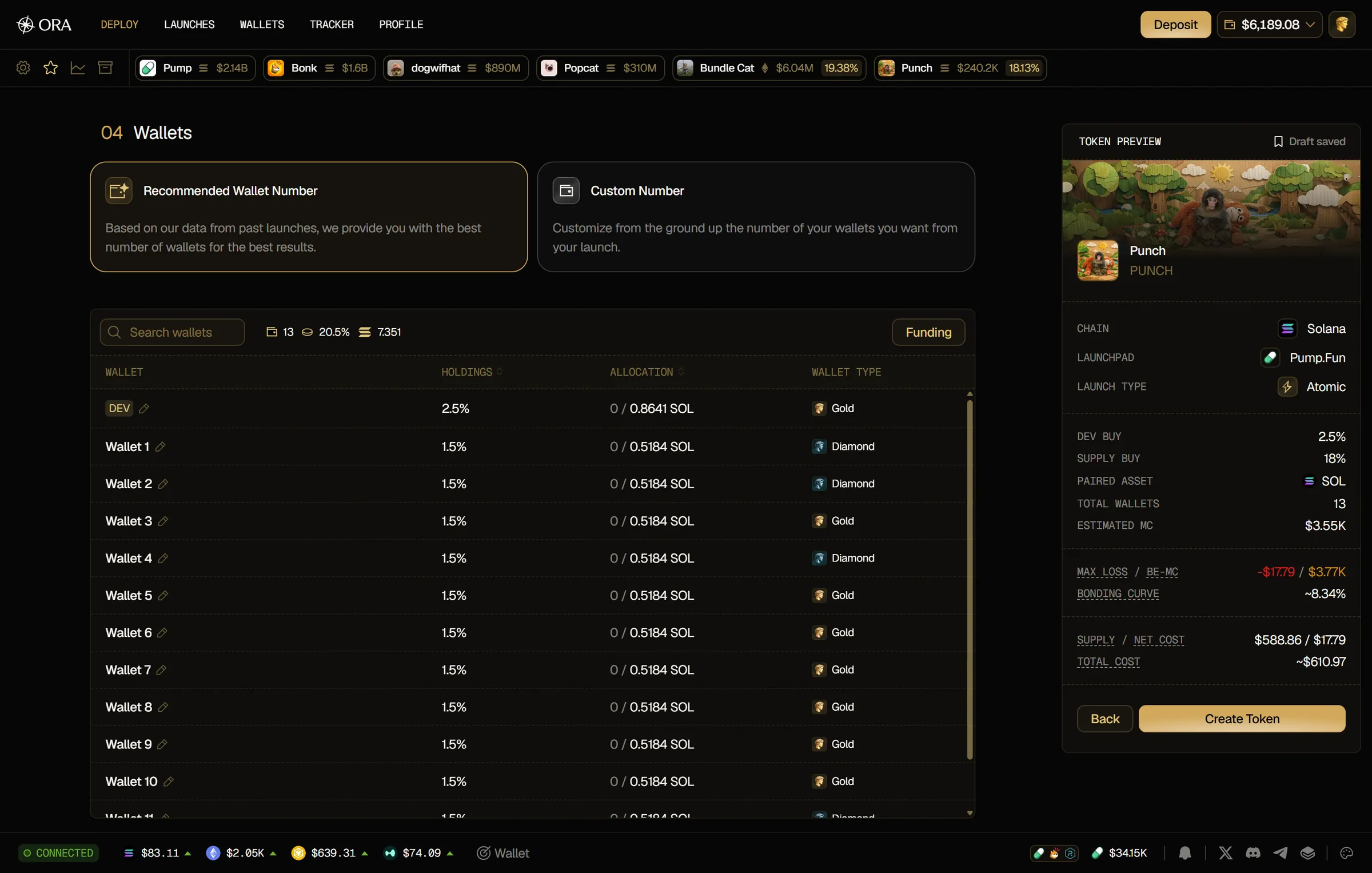
Your progress is saved automatically as a draft, and the Token Preview shows Draft saved. You can pick it up later from the DRAFTS tab in Launches.
Create your token
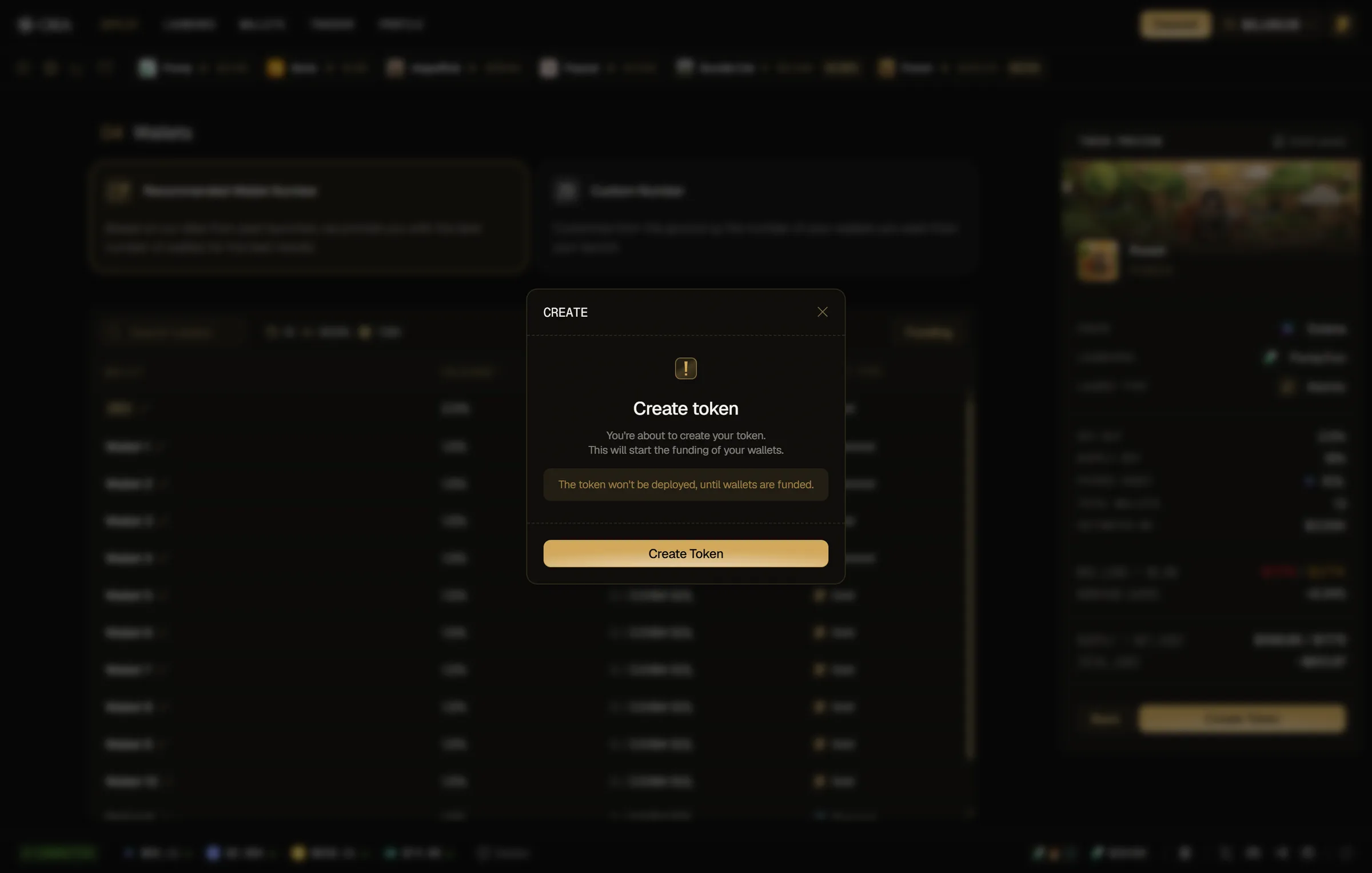
Section titled “Create your token”Once your wallets and funding type are set, click Create Token, then confirm with Create Token in the modal. The token isn't deployed yet: creating it starts the funding of your wallets, paid from your Ora balance in dollars.
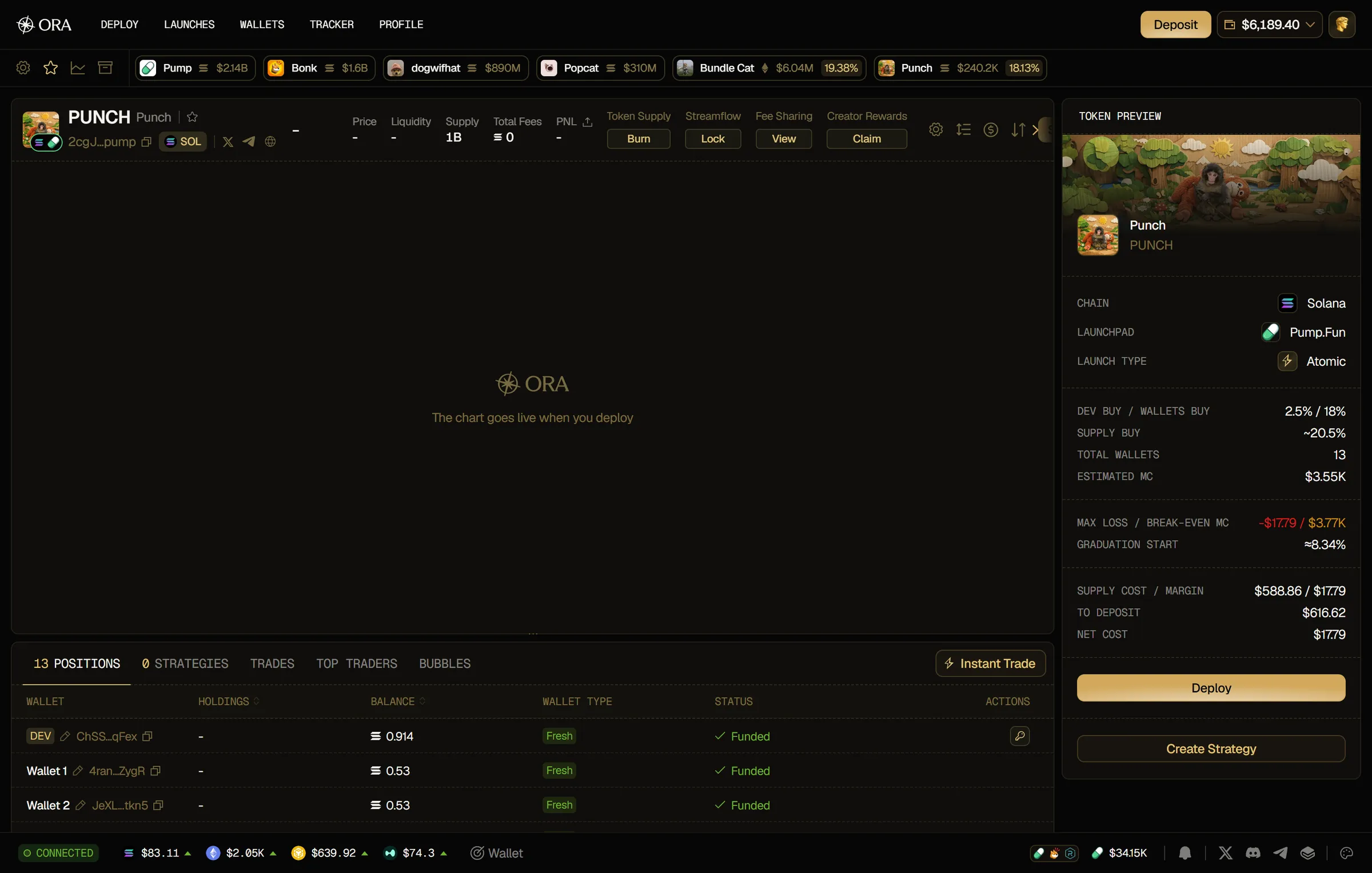
Ora uploads your token data, prepares your wallets, starts the funding, and takes you to your token page to preview your token and set everything up before deploying. If part of the funding doesn't go through, click Retry funding on the token page. On its Positions tab, each wallet shows its funding Status, and the key badge on the DEV row exports your dev wallet's private key.
Deploy your token
Section titled “Deploy your token”Deploy unlocks once all your wallets are funded. Set your strategies with Create Strategy first if you want them ready at launch, then:
- Click Deploy.
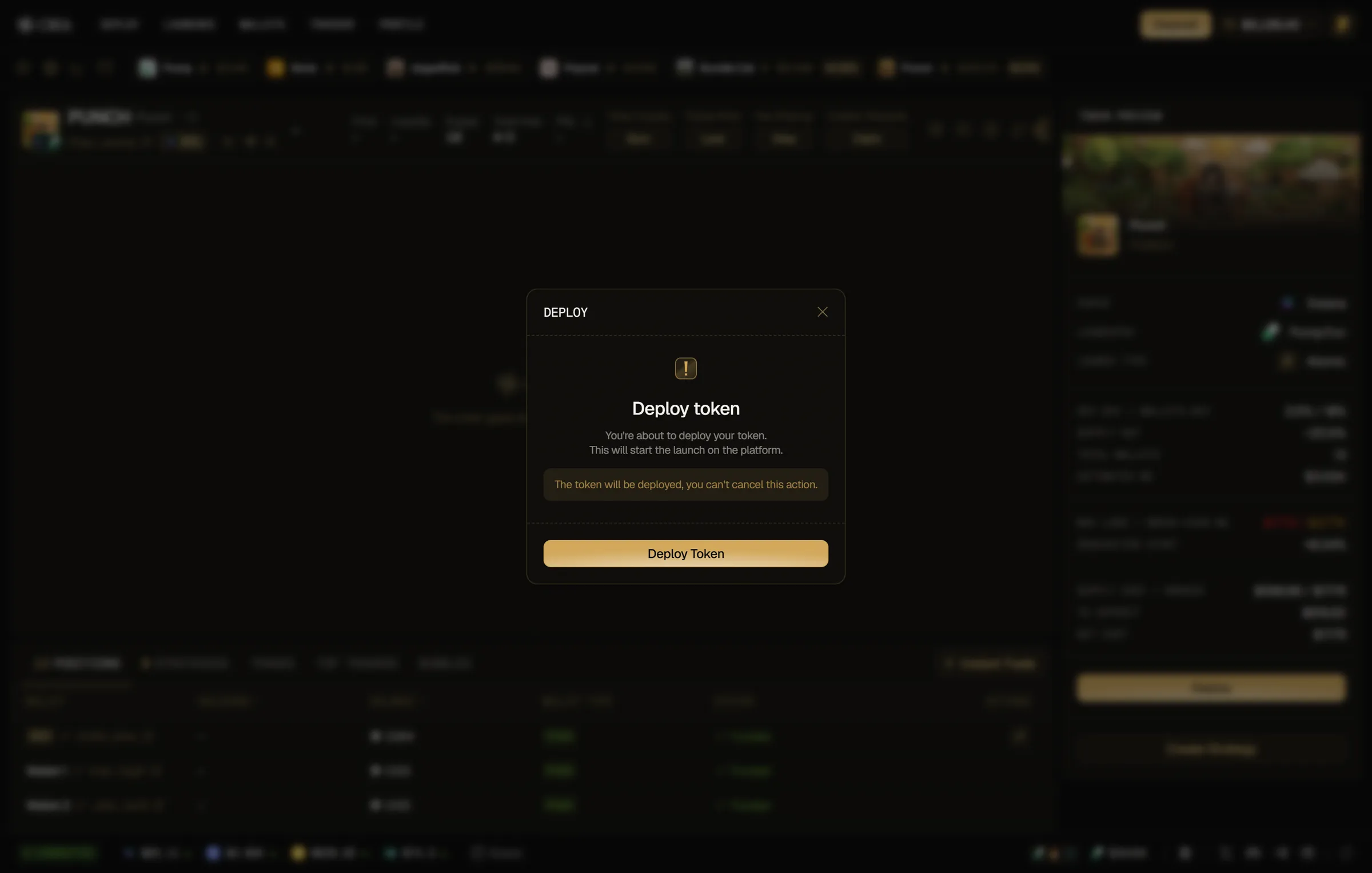
- Confirm with Deploy Token in the modal. Deploying can't be cancelled.
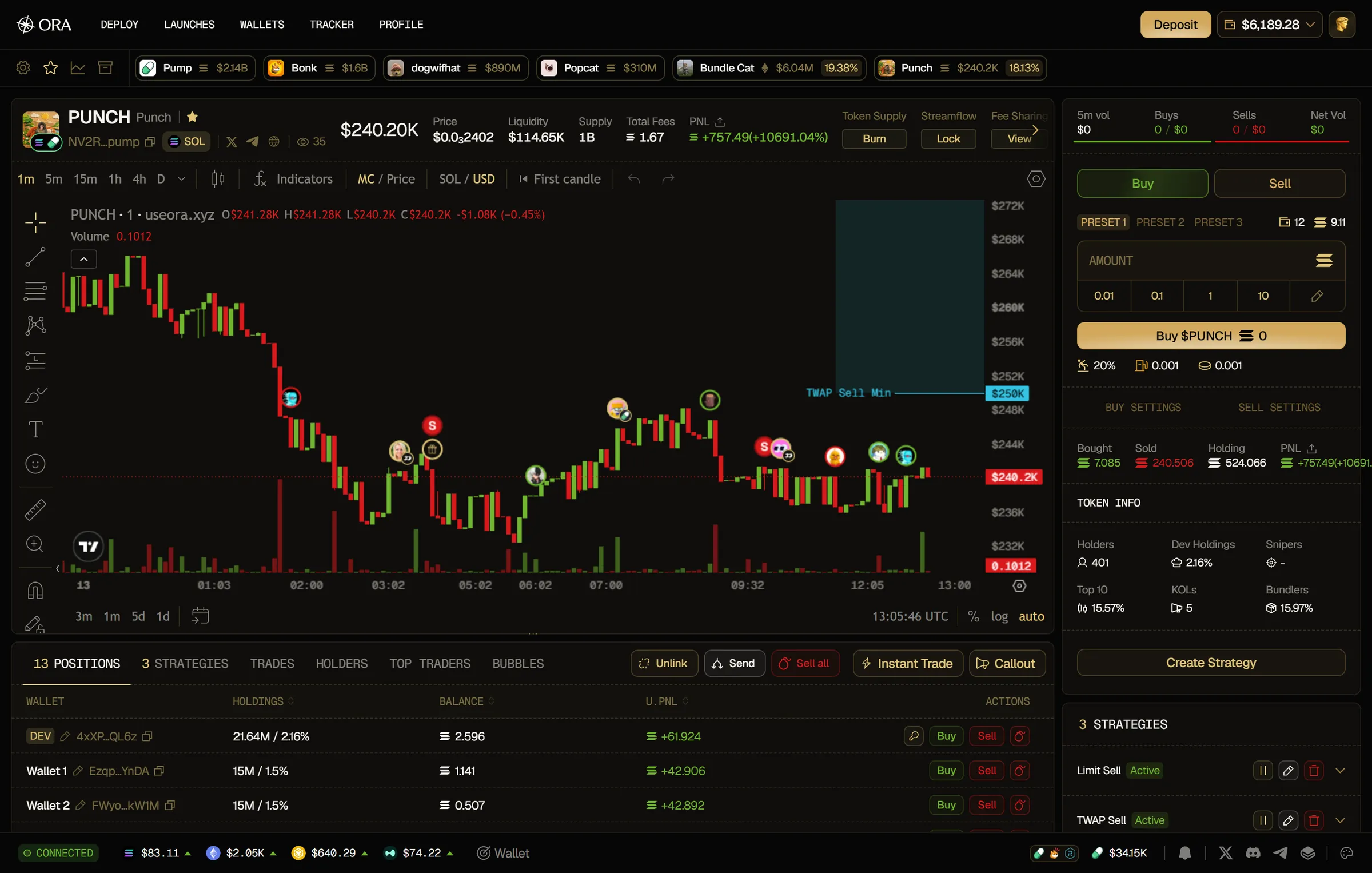
Right after deploy, the trading feed on the Trades tab shows the buys from your bundle, and your wallet positions and supply appear on the Positions tab.