Managing your Token
Send Supply
Send a share of your token's supply from your wallets to up to 5 addresses, straight from the terminal.
Sending supply
Section titled “Sending supply”You can send tokens directly from the trading page. You pick the wallets to send from, then set each destination as a percentage of the supply. Ora sizes the transfers and shows you a preview before anything is sent.
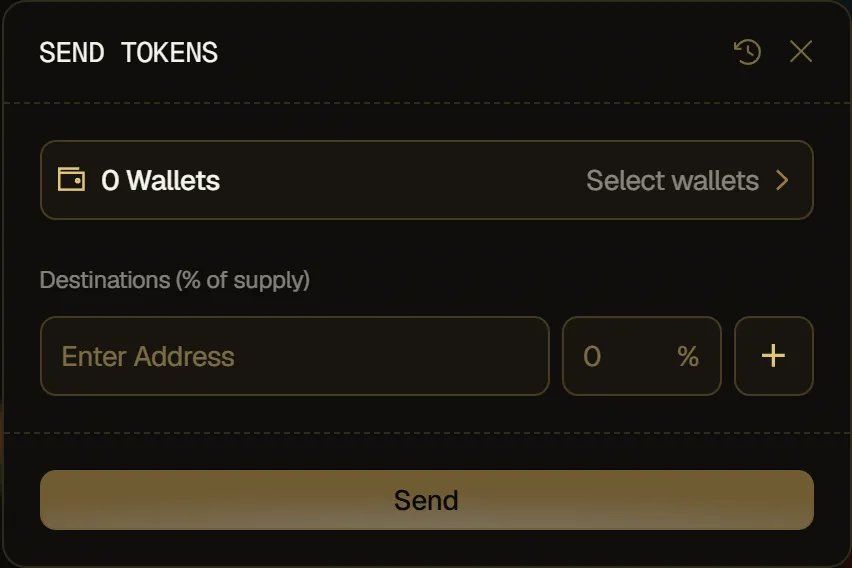
How to send tokens to other wallets
Section titled “How to send tokens to other wallets”- On the Positions tab, click Send.
- Select the wallets to send from. You can select several: Ora only uses the fewest wallets needed to cover the amount, and the preview tells you which ones aren't used.
- Under Destinations (% of supply), enter an address and the percentage of supply it receives. Click + to add another destination, up to 5.
- Check the preview, then click Send.
- A notification confirms when the send is complete.
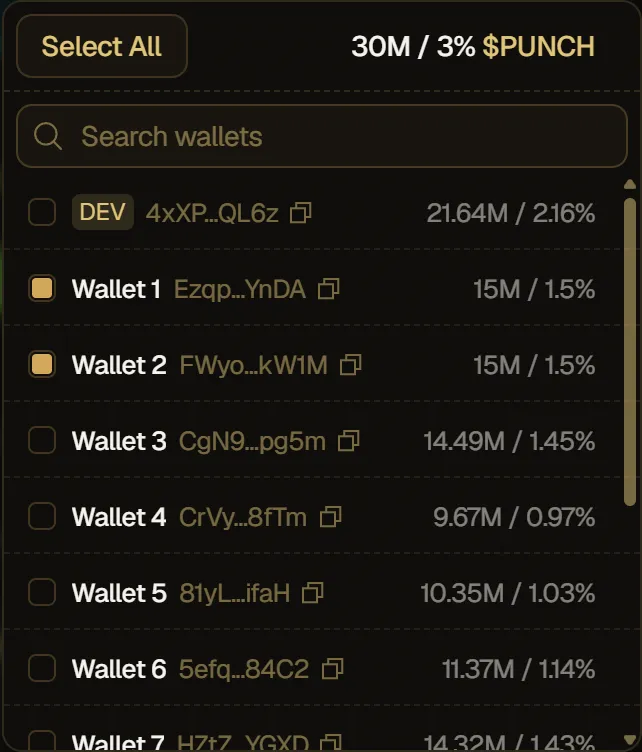
The preview shows:
- You send: the tokens your destinations receive.
- Platform fee: Ora's fee on the send, taken in tokens. Its rate is shown next to the label.
- Total debited: what leaves your wallets, fee included.
- Wallets drawn from: how many of your selected wallets are used.
- Bundles (one tip each) on Solana, or Transactions on Robinhood.
- The SOL or ETH your wallets need for transaction fees.
If only some transfers go through, the modal lists which ones landed. Click Retry failed to resend only what's still owed.
To see your past sends, click the history icon in the modal header. Send History lists each transfer and its destinations.