Ora Overview
Referrals
Earn a share of the fees on your referrals' tokens, on three levels, and claim it from the Rewards window of your Profile.
Referring people
Section titled “Referring people”When someone signs up through your referral link, you earn a share of the trading fees paid on their tokens, the tokens they launch on Ora, passively and automatically. You also earn on the people they bring in, and on the people those bring in: three levels in all. The more your network's tokens trade, the more you earn. It never costs the people you refer anything extra.
Referral levels
Section titled “Referral levels”| Level | Who | Your share |
|---|---|---|
| Level 1 | The people who sign up with your link | 20%, or 35% for an approved partner |
| Level 2 | The people who sign up with the link of someone you referred | 5% |
| Level 3 | The people your level 2 referrals bring in | 2.5% |
As an approved partner, your 35% applies to the people who sign up with your link after your approval.
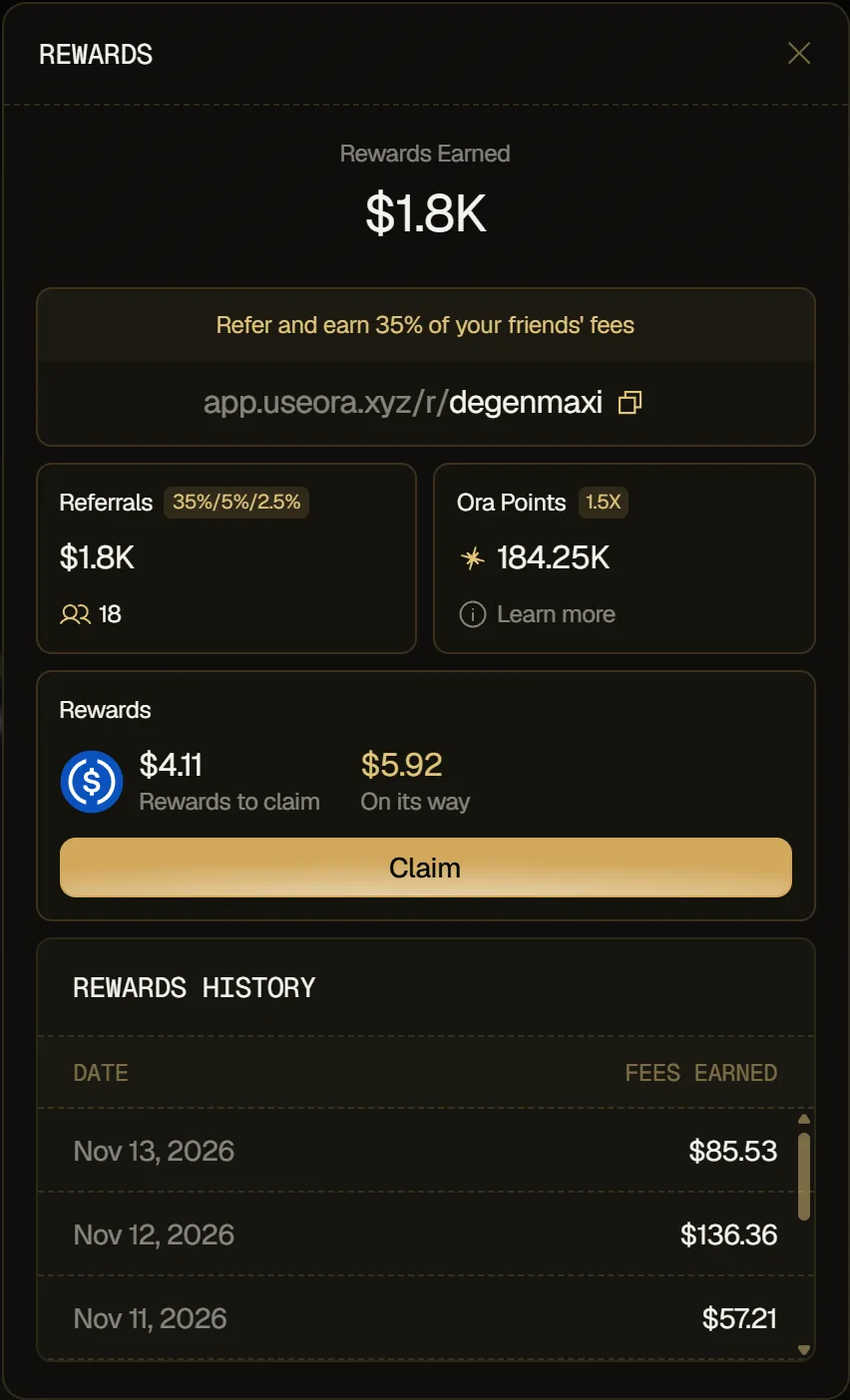
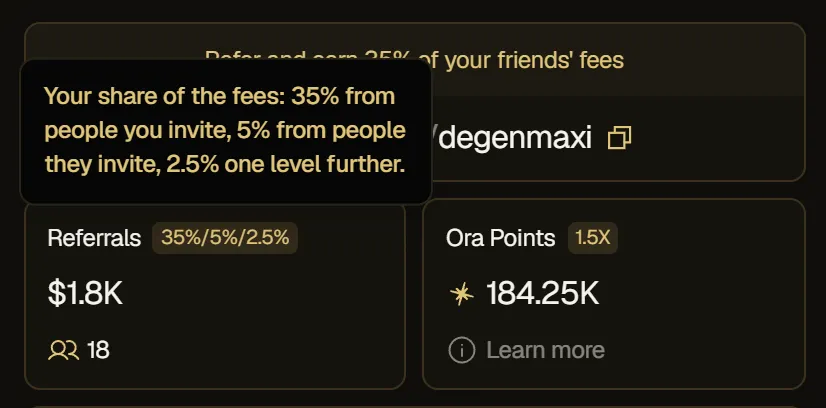
Your level 1 rate is your referral rate, shown at the top of the Rewards window (Refer and earn N% of your friends' fees). The badge of the Referrals card shows your three rates, for example 35%/5%/2.5%: hover it to read them level by level.
Getting paid
Section titled “Getting paid”Your share goes into your rewards, together with your cashback. While it's on its way, the Rewards window shows it as On its way, in dollars. Once it arrives, it shows as Rewards to claim, and you claim it with your cashback using Claim: it ends up in your USDC balance. See Claim your rewards.
What you've earned across your three levels shows as Rewards Earned, in dollars, at the top of the Rewards window, and day by day in Rewards History.
Share your referral link
Section titled “Share your referral link”Your referral link ends with your username. On your Profile:
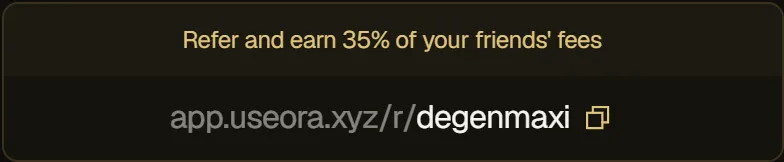
- Share your link: click Rewards, then click your referral link. It's copied and you get Referral link copied.
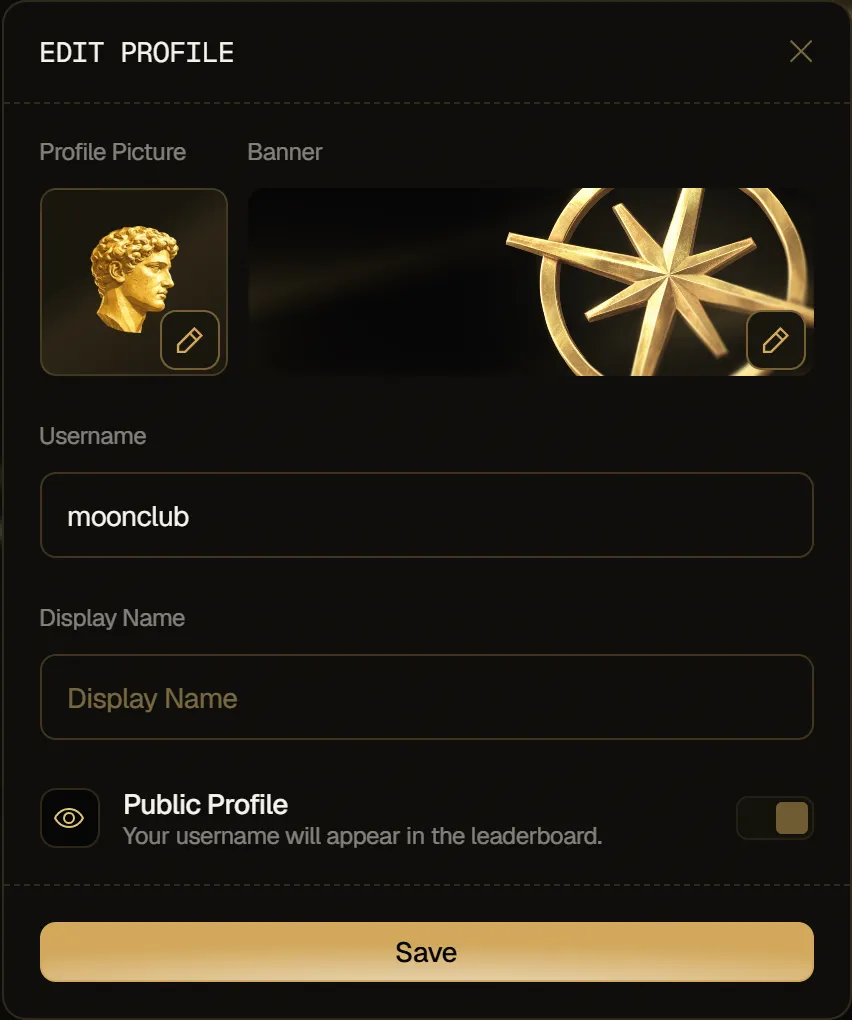
- Change your code: click Edit Profile, type a new Username of 3 to 32 characters (letters, numbers, _ and -), then click Save. You get Profile saved, and your link uses the new username.
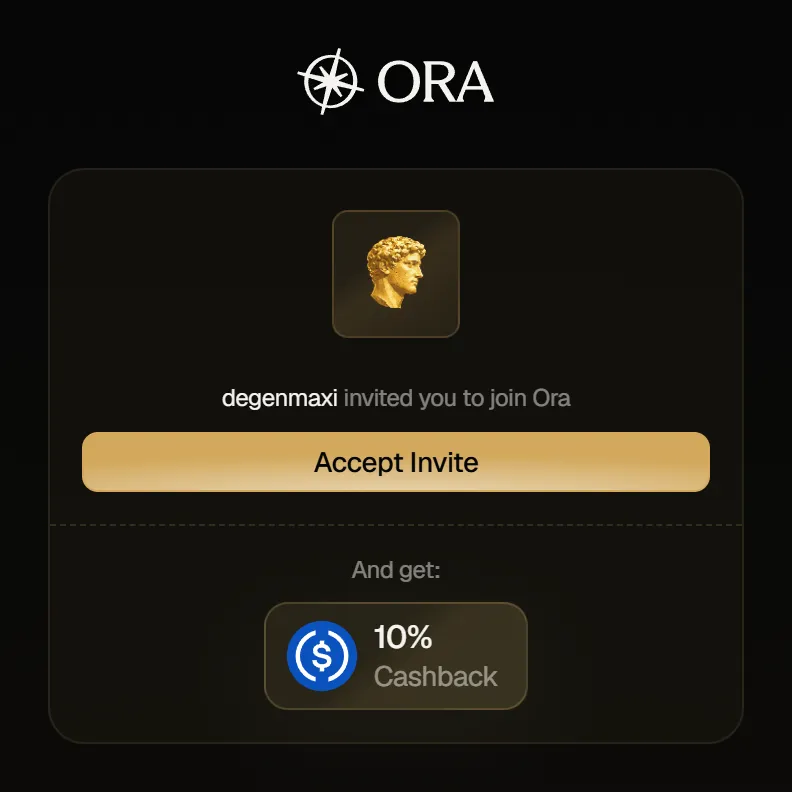
When someone opens your link, they see that you invited them to join Ora, and the 10% Cashback they get. They click Accept Invite to sign up.
Dashboard
Section titled “Dashboard”Keep track of your referrals in the Referrals card of the Rewards window. It shows what your referrals have earned you, in dollars, and how many people you've referred.