Managing your Token
PNL Card
Create PNL cards for a single coin, your whole account or a month, as an image or a video, ready to share.
Generating a PNL card
Section titled “Generating a PNL card”Ora turns your results into a card you can post anywhere. You create it from the trading page, your profile or your PNL calendar, Ora fills in your stats, and you customize the look in the Share PNL window.
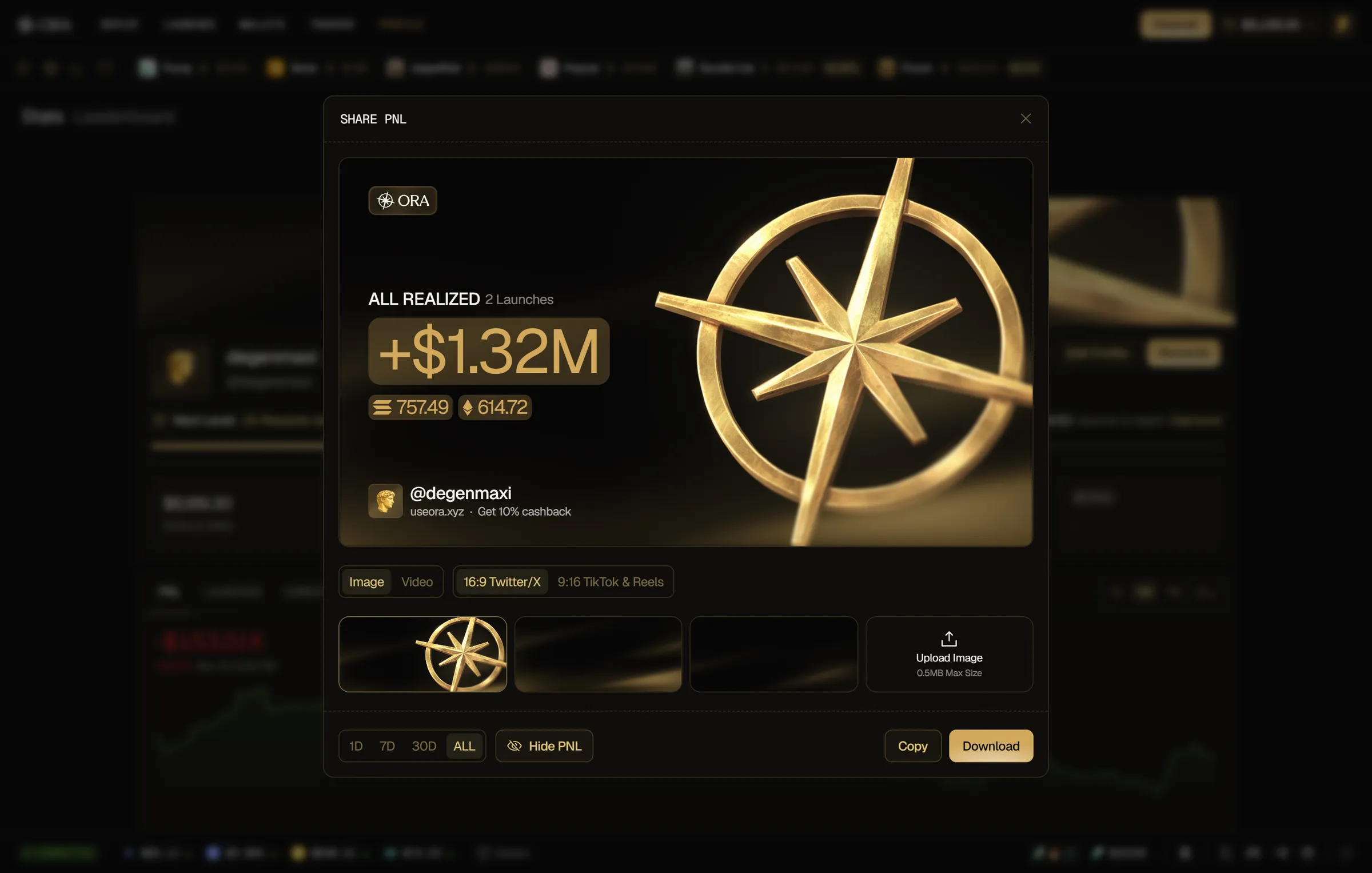
There are three kinds of cards:
- Coin PNL card: your PNL on one token.
- Global PNL card: your realized PNL across your whole account, over a timeframe.
- Monthly PNL card: your PNL over one month of your PNL calendar.
Coin PNL card
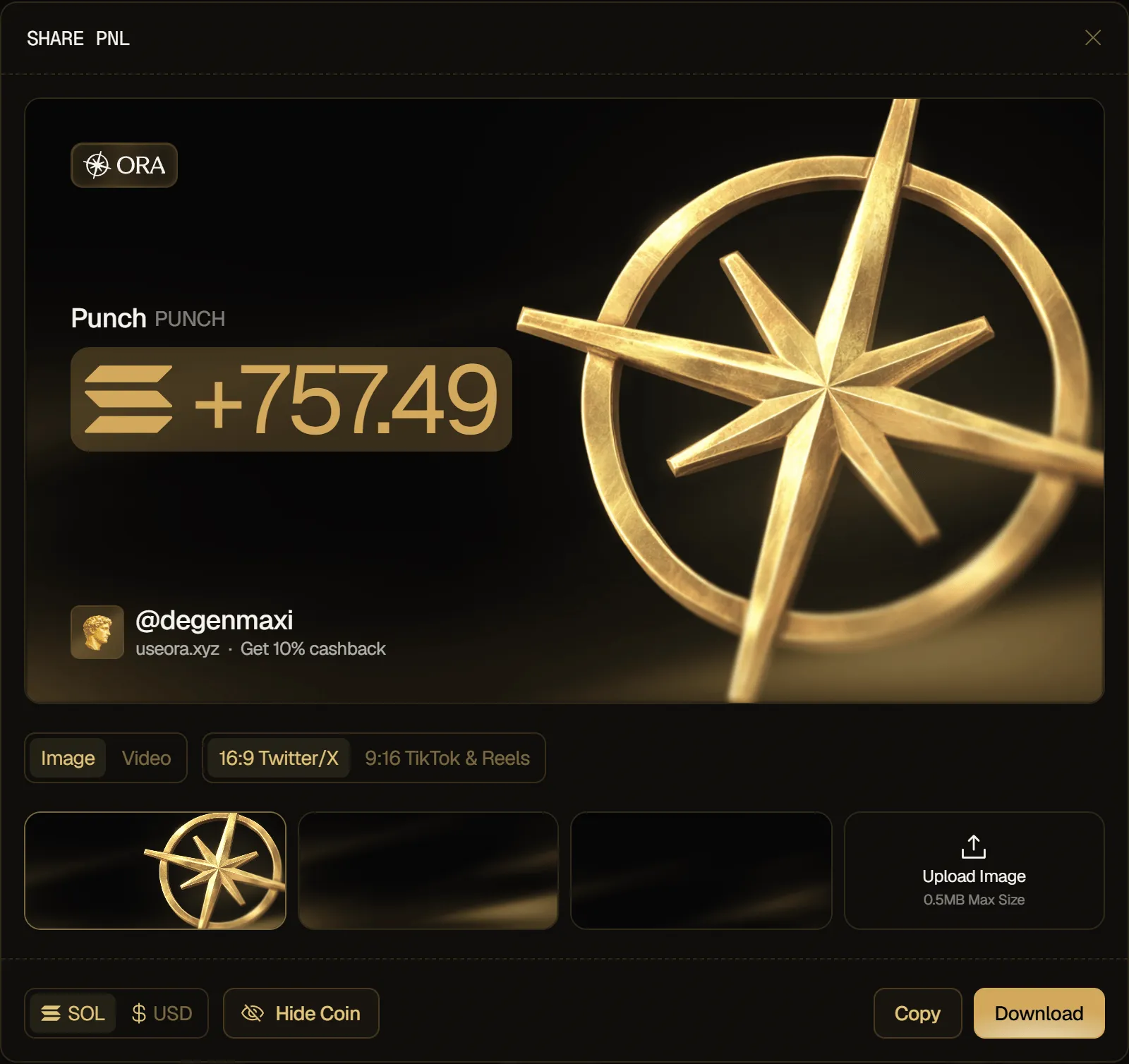
Section titled “Coin PNL card”A coin PNL card shows the token's name and ticker and your PNL on it.
To create one, click the  icon next to your PNL in the right trading panel, or next to your PNL in the token metrics above the chart. The icon stays disabled while your figures for the token are still loading.
Global PNL card
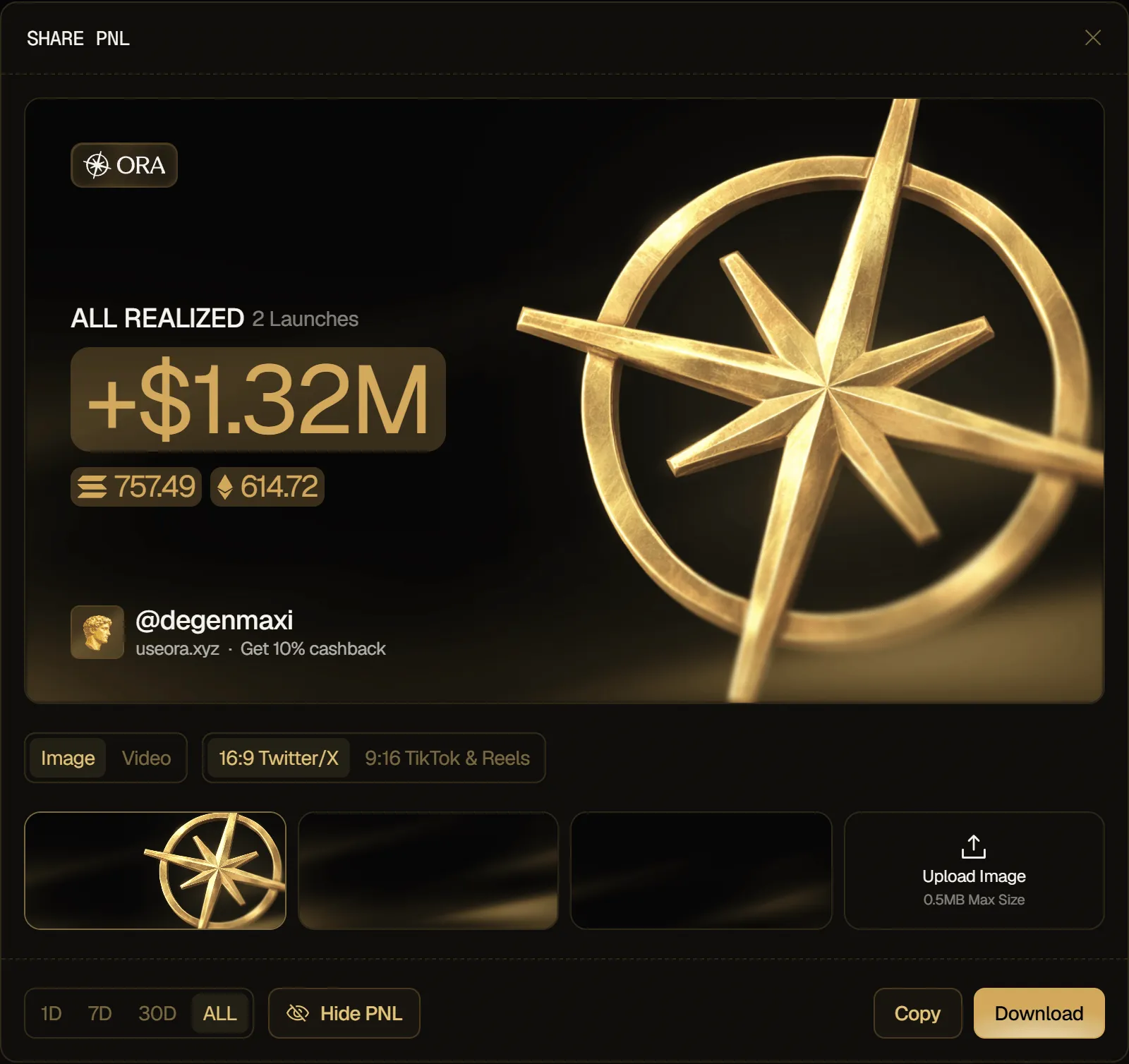
Section titled “Global PNL card”A global PNL card shows your realized PNL over the timeframe you pick, in dollars, your number of launches over it, and the PNL of each chain in its own token, such as SOL or ETH.
To create one, click the share icon (Share PNL) on your profile card, left of Edit Profile, or the  button next to your Account Value in the balance menu at the top-right of the app.
Monthly PNL card
Section titled “Monthly PNL card”A monthly PNL card shows the month, your PNL over it, in dollars, your number of launches that month, and the PNL of each chain in its own token.
To create one, open your PNL calendar from the Stats tab of your Profile (the expand icon on the CALENDAR tab), pick a month, and click the Share PNL icon in the window's header.
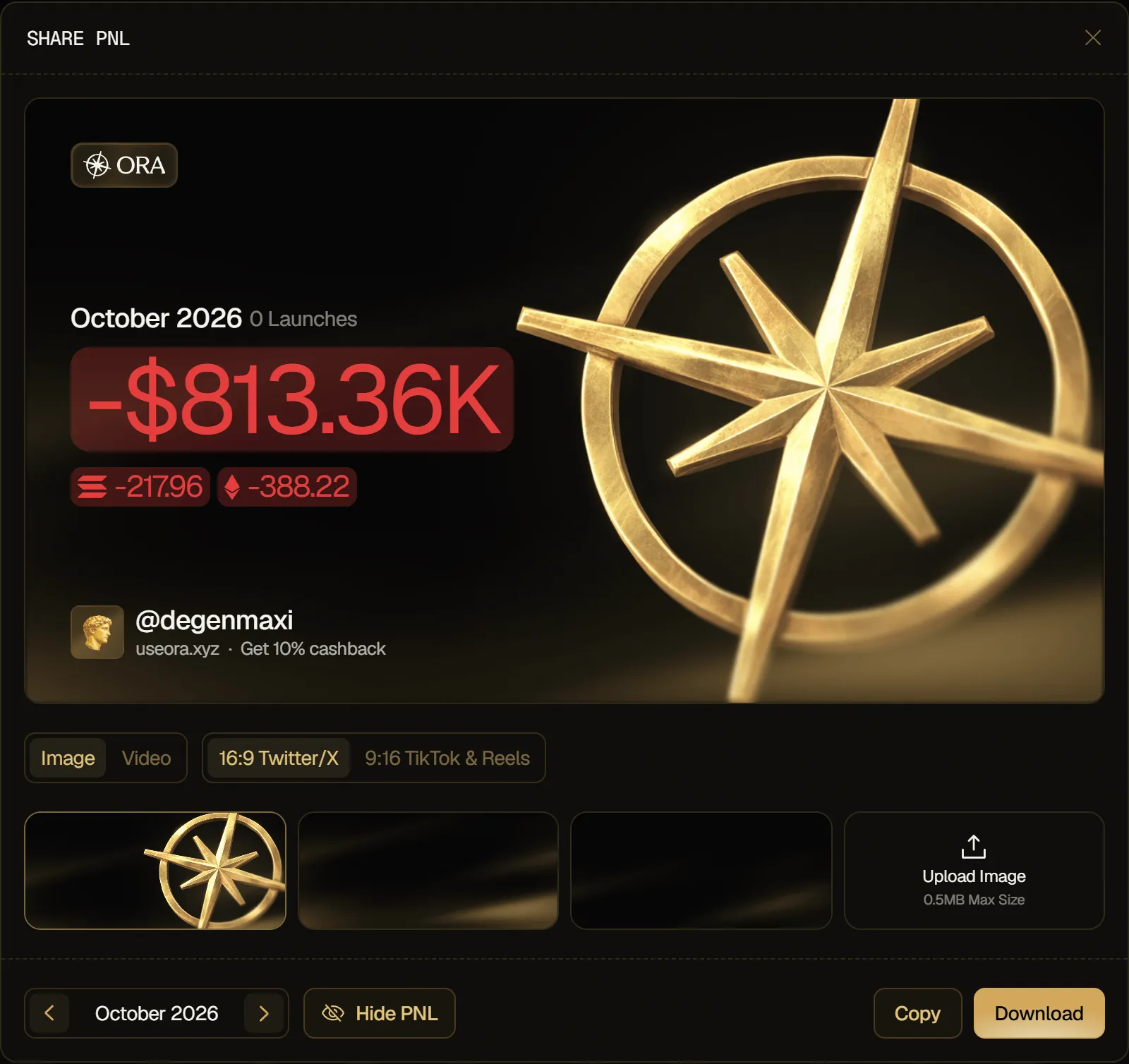
Customize your card
Section titled “Customize your card”- Image or Video: create a picture or a video card.
- Format: 16:9 Twitter/X for a landscape card, or 9:16 TikTok & Reels for a portrait one.
- Background: in Image mode, pick one of Ora's backgrounds or click Upload Image to use your own picture (0.5MB Max Size). In Video mode, click Upload Video to use your own video as the background (30s Max).
- Currency: on a coin card, show your PNL in the chain's token, such as SOL, or in USD. The headline of a global or monthly card is always in USD.
- Timeframe: on a global card, pick 1D, 7D, 30D or ALL.
- Month: on a monthly card, use the arrows to change month.
- Hide Coin: on a coin card, mask the token's name and ticker so the card doesn't tell which coin it was. Your PNL stays visible.
- Hide PNL: on a global or monthly card, mask the amount of each chain. The total in dollars stays visible.
Export your card
Section titled “Export your card”- Copy: copies the card to your clipboard as an image, ready to paste. Only available in Image mode.
- Download: saves the card. In Image mode, you get a PNG. In Video mode, you get a video of up to 30 seconds, as an MP4 or WebM file depending on your browser. It keeps your video's sound when your browser allows it.