Managing your Token
Burn Supply
Burn tokens from your wallets to permanently reduce supply and build holder trust.
Burning tokens
Section titled “Burning tokens”You can burn tokens from your wallets directly on the trading page. Set the amount you want to burn and Ora runs the transaction on-chain.
How to burn your supply
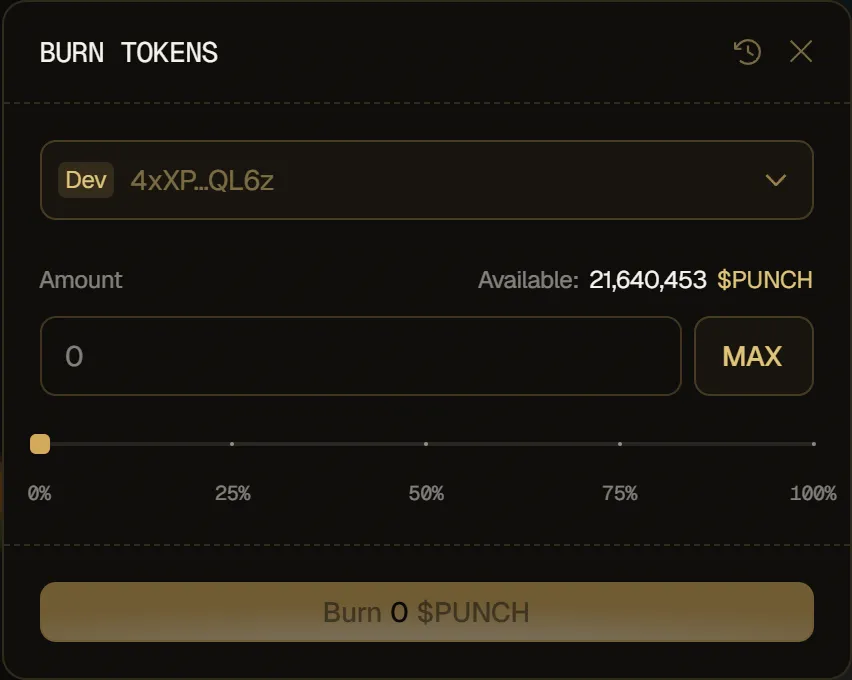
Section titled “How to burn your supply”- Click Burn (under Token Supply) at the top of the token page.
- Choose the wallet you want to burn from. The wallet holding the most tokens is selected by default.
- Set the amount to burn: type a custom value, click MAX, or use the slider.
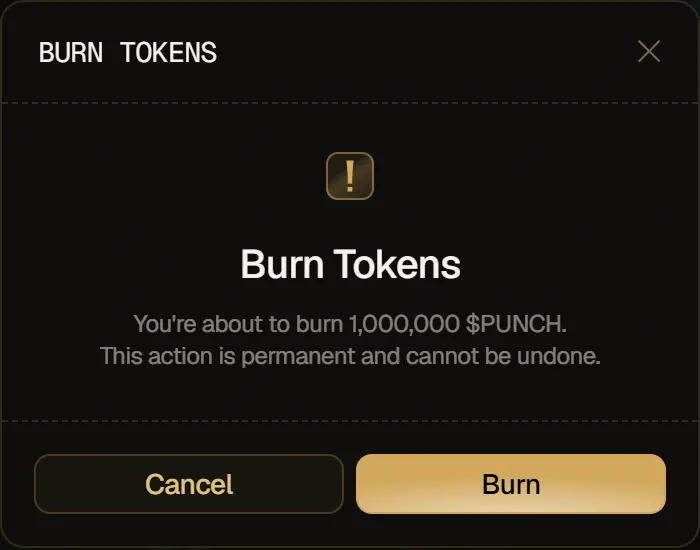
- Click Burn, then confirm with Burn in the Burn Tokens dialog.
- A notification confirms when the burn is submitted.
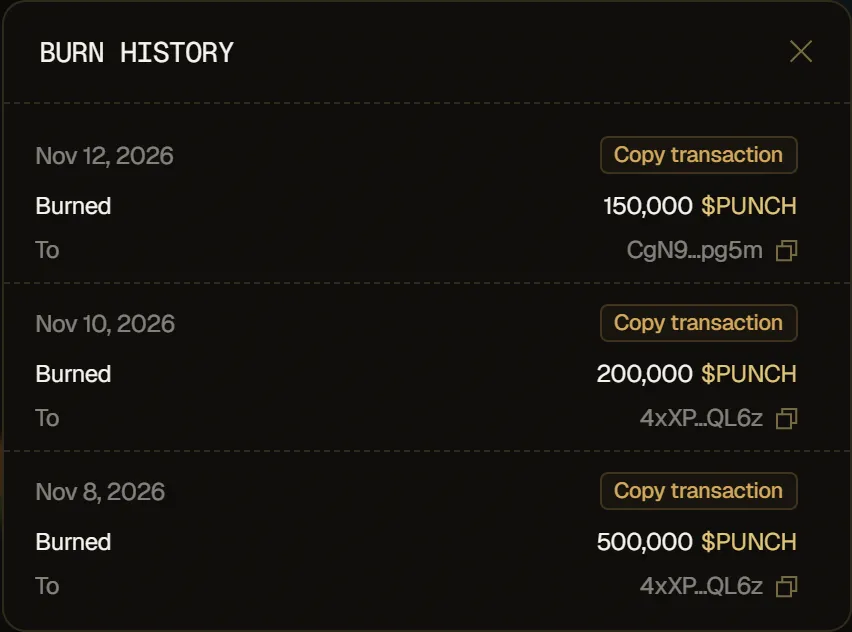
To see your past burns, click the history icon in the modal header. Burn History lists each burn, and you can copy its transaction.