Managing your Token
Instant Trade
Execute buys and sells faster with a one-click widget across multiple wallets.
Instant trading
Section titled “Instant trading”You can turn on instant trading from the trading page for quicker execution, using one or several wallets at once and a single button to fire a transaction.
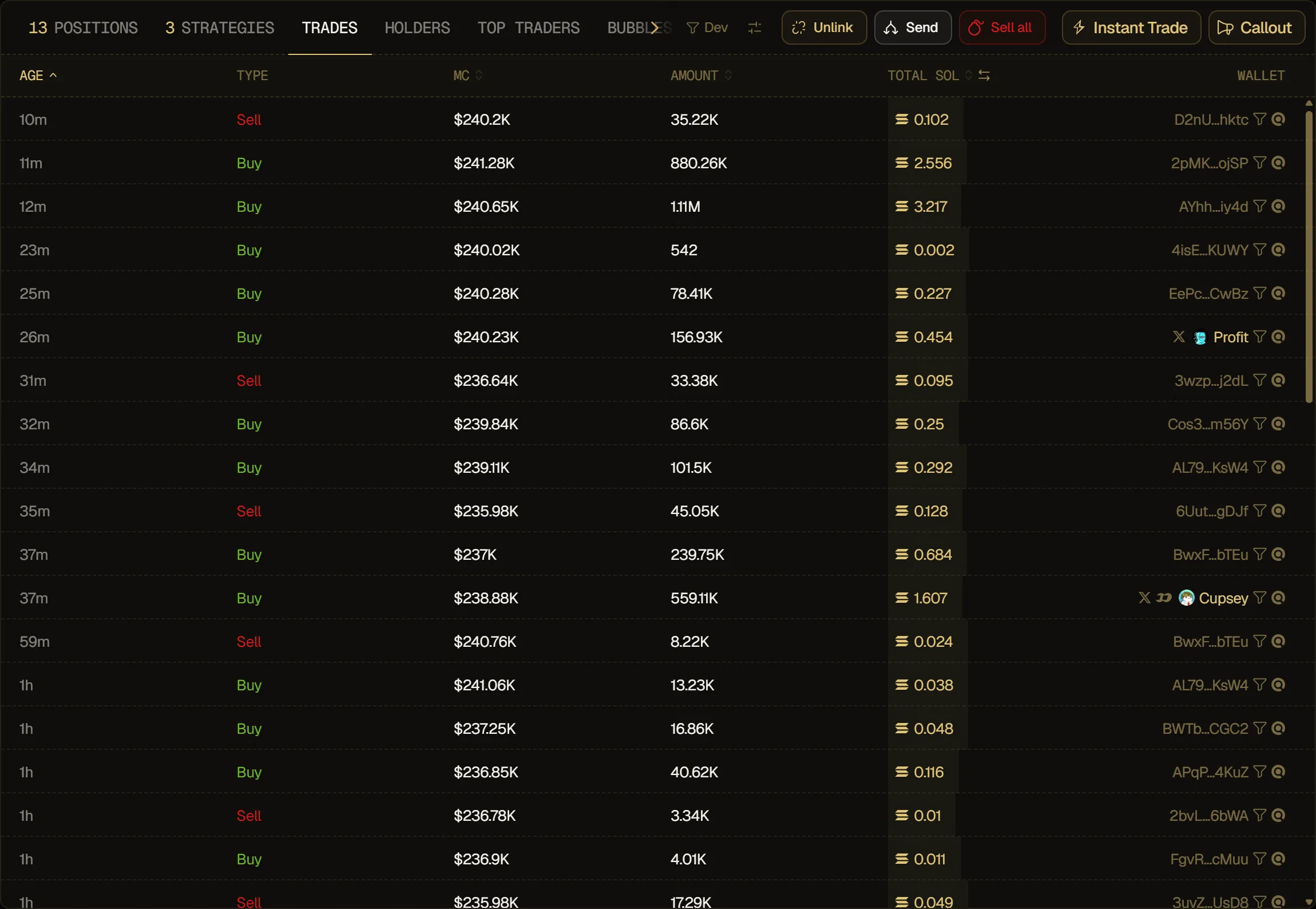
To toggle the widget, press the Instant Trade button in the trading table. On desktop it opens as a card you can drag anywhere on the page.
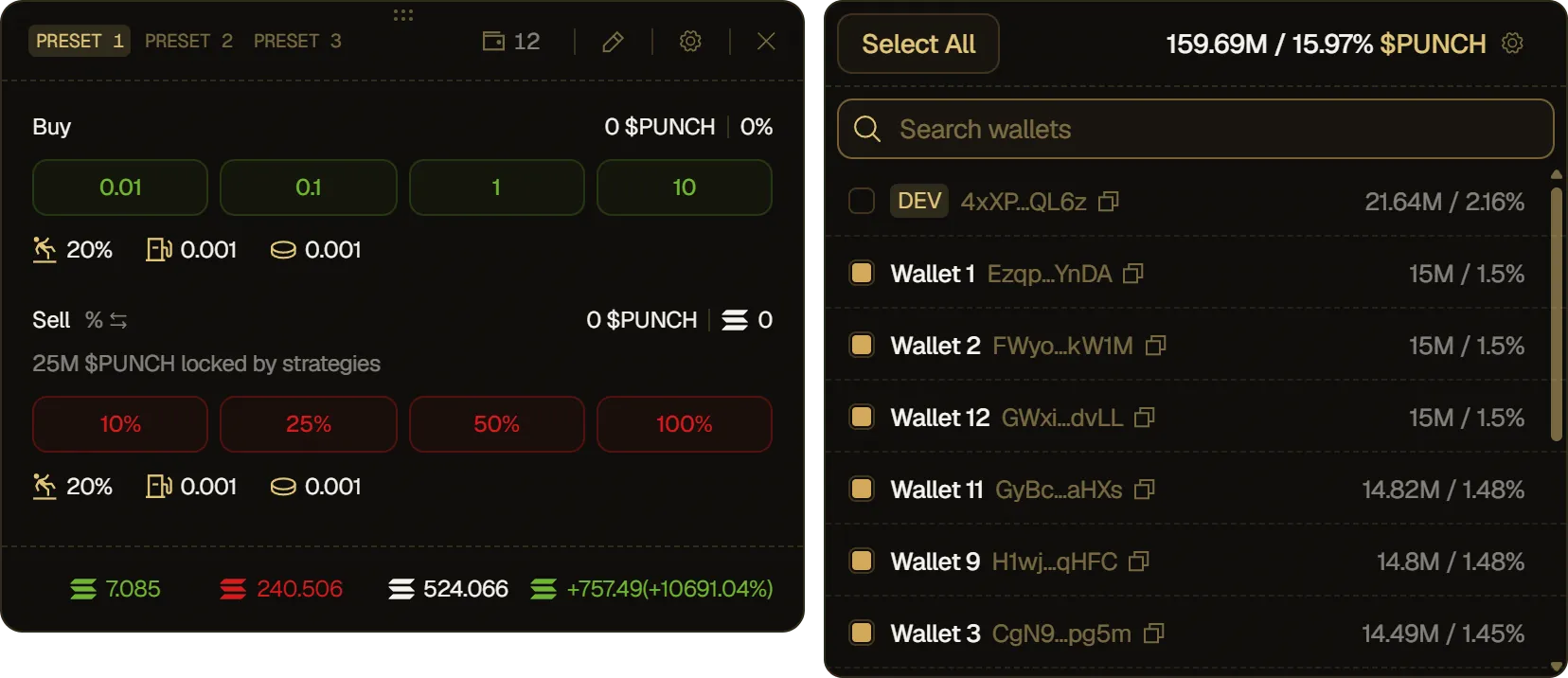
- Presets: choose between your presets directly from the widget.
- Multi-wallet: toggle several wallets at once to speed up execution.
- Edit values: change the buy and sell amounts of the current preset.
- Instant trade settings: choose what the widget shows, see Trade Settings.
- Live PNL: see your PNL in real time at the bottom of the widget.
On smaller screens (phones and tablets), tap Buy or Sell at the bottom of the token page to open the widget as a sheet. It has two tabs: Instant for the widget and Market for the regular buy/sell panel. In the sheet, the preset chips sit next to the Buy and Sell labels, and there's no Live PNL row, as the top of the token page already shows your PNL.