Resources
Ora App
Use Ora on the go by installing the mobile web app on iOS or Android.
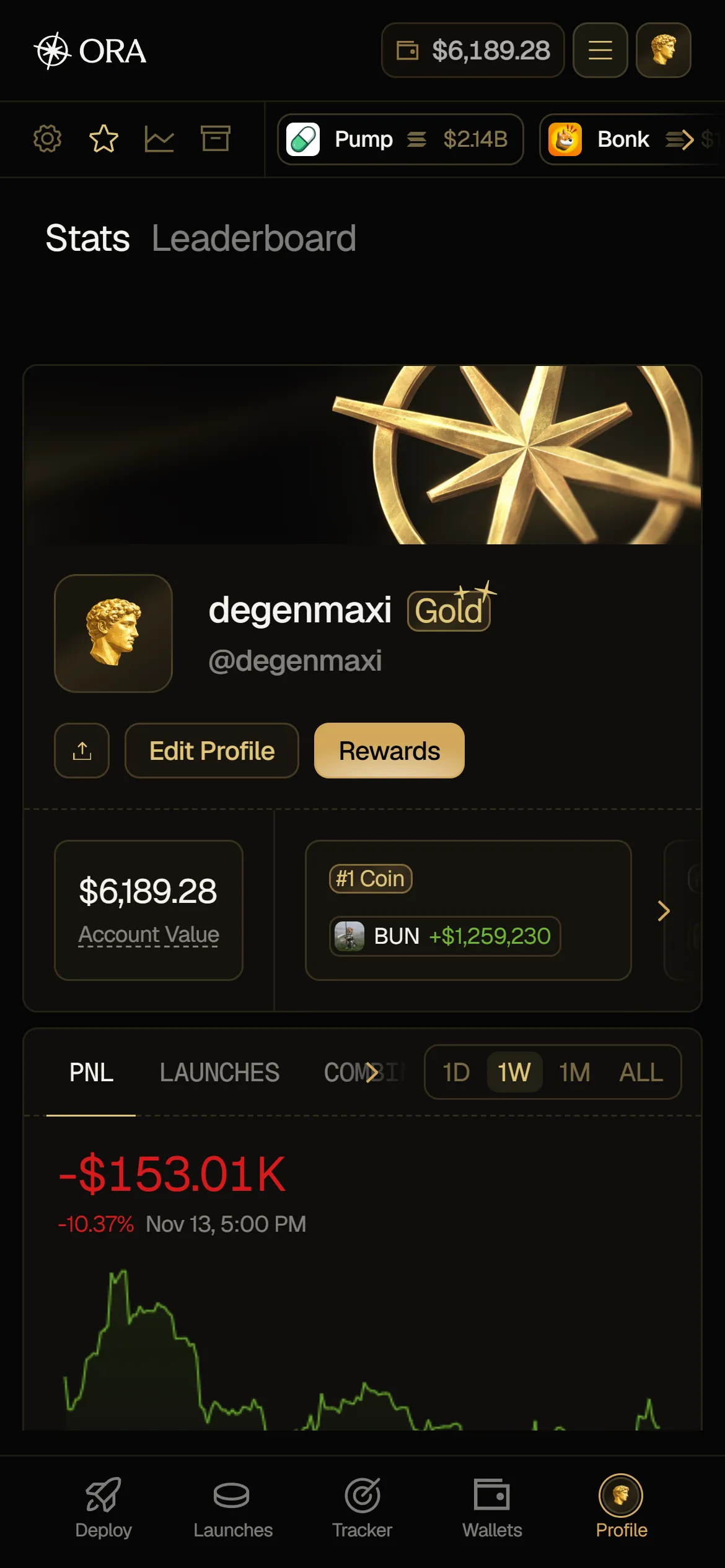
You can use Ora from anywhere with the Ora PWA. The mobile web app has the exact same features as desktop. Once installed, it opens full screen, with Deploy, Launches, Tracker, Wallets and Profile in the bar at the bottom.
Installing Ora
Section titled “Installing Ora”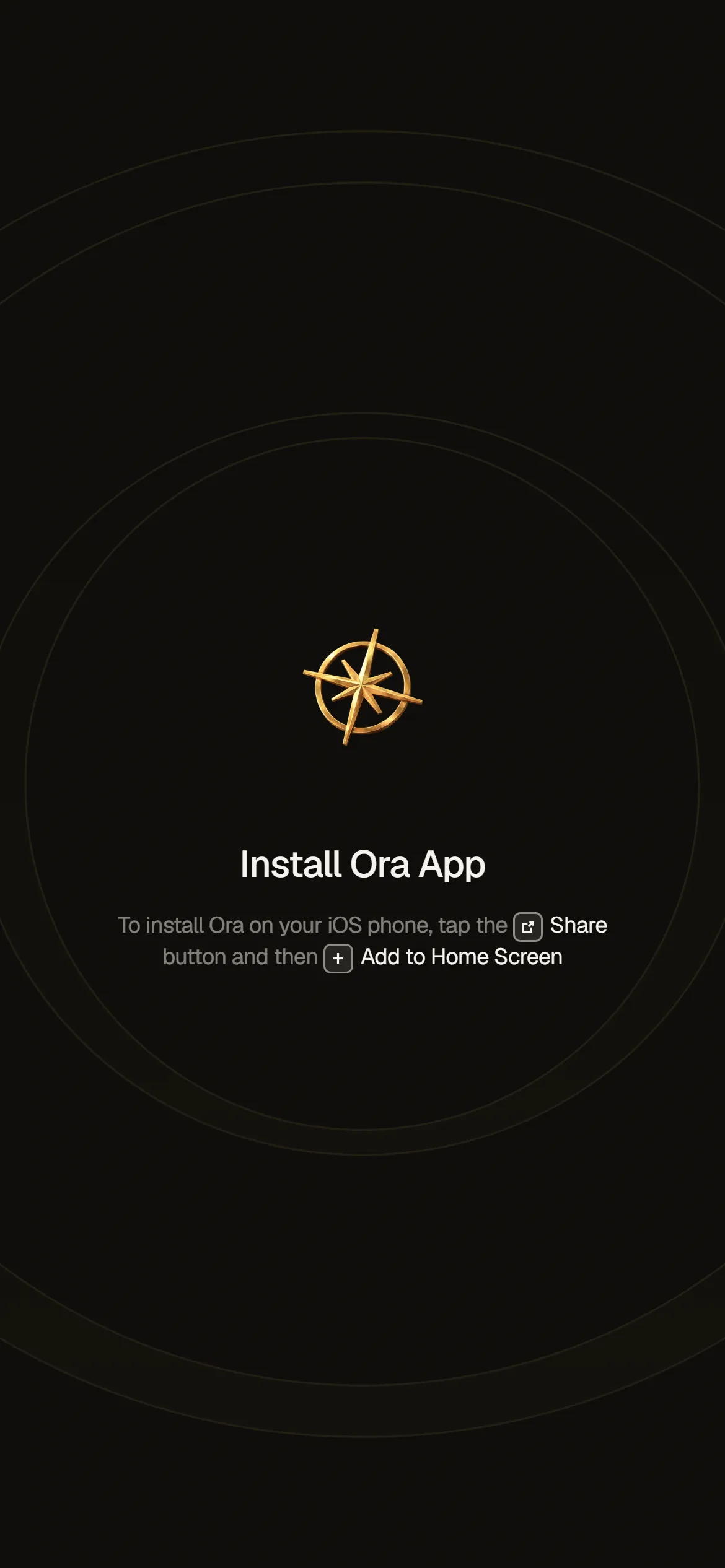
On a phone, Ora runs as an installed app: in the browser, it only shows an Install Ora App screen with the steps for your device, or Open Ora App if Ora is already on your home screen. On Android browsers that support it, tap Install App to install Ora in one step. If you opened Ora in another app's built-in browser, open the page in Safari (iOS) or Chrome (Android) first. On a tablet, Ora shows the Install Ora App prompt once, after you sign in. Otherwise, install it yourself:
iOS
- Tap the Share button.
- Scroll down and tap Add to Home Screen.
- Name the app "Ora" and tap Add.
Android
- Tap the three-dot menu (⋮) in the top-right.
- Tap Add to Home Screen.
- Tap Install.